
Barco service bulletin
Serial Number: 1383
Date: 09/03/2018
Product: ICMP
Priority code*: C
- «Must» modification, Barco will provide the necessary components to perform this modification at no charge.
- Improves the reliability of the product.
- Improves the general working conditions of the product.
-
For information only.
-
ICMP GOLDEN CONTACTS NEEDS TO BE CLEANED DURING THE ONE YEAR MAINTENANCE (MAINTENANCE TYPE C)
General
Phenomenon
Some abnormal behavior of the ICMP like image artefacts (missing colors or noise in colors), or non-explained communication error with satellite board, could occur. A bad communica- tion between the golden contacts of the ICMP and the projector backplane may be causing this.
Cause
The phenomenon may be due to dirt, oil, grease, metallic oxides (caused by corrosion and moisture) installed on electronic contacts (golden contacts) of the ICMP connector.
Solution
 Operate a preventive cleaning of the electronic contacts (golden contacts) of the ICMP dur- ing the annual maintenance (Maintenance type C).
Cleaning electronic contacts may be performed outside the maintenance periods when the symptoms we have commented on in the «phenome- non» section are encountered.
Scope
All ICMP boards.
Kit needed?
No kit is provided to achieve this maintenance.
Please following the instructions from section «Cleaning electronic contacts» provided at the end of this document. This procedure is also available in your ICMP’s service manual.

 Page 1 of 5*Barco* NV
Beneluxpark 21, 8500 Kortrijk, Belgiumwww.barco.com
Approvals
Modification approved by:
Customer Support Engineer
R&D ManagerProduct ManagerQuality Manager

 Filip Heyndrickx20 Apr 2018Philippe Martin Tom BertStephanie Buyck
8 May 201822 Apr 2018 20 Apr 2018
If you should have any more questions, or remarks, please do not hesitate to contact our technical support team via the following web site www.Barco.com/esupport.
Cleaning electronic contacts
CAUTION: Wear a wrist band which is connected to the ground while han- dling the electrostatic discharge sensitive parts.
 What has to be done?
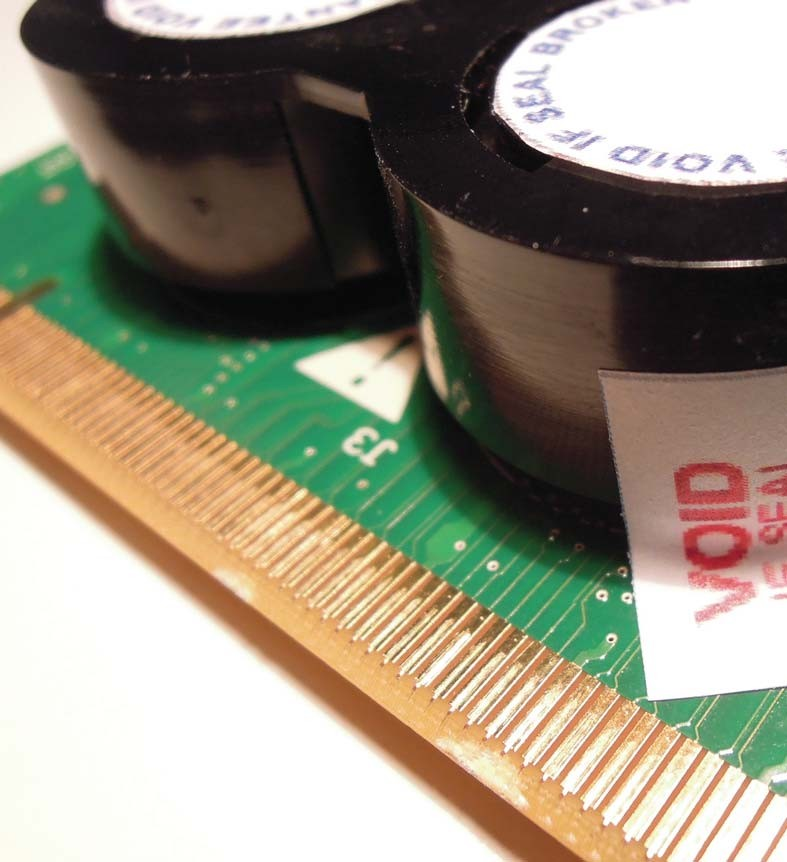
Once the ICMP card is removed from the projector, you need to clean the connectors which are located at the back of the ICMP, in order to remove dirt, oil, grease, metallic oxides (caused by corrosion and moisture) from electronic contacts (golden contacts).
Operating time
Cleaning the electronic contacts, between ICMP board removal from the projector and ICMP board installed back and operating, should take approximately 20 minutes.
Necessary tools
-
-
- Several cotton tips (Q-Tips) or a soft and non-fluffy cloth.
- Isopropyl (IPA) alcohol ( >91%) in a small bottle or in Aerosol.
- ESD wrist band
-
Preparation
- Connect and wear the ESD wrist band.
- Remove the ICMP from the projector and put it on a stable (solid), flat and insulated support (see ICMP removing procedure)
- Locate the connectors (golden contacts) on the board.
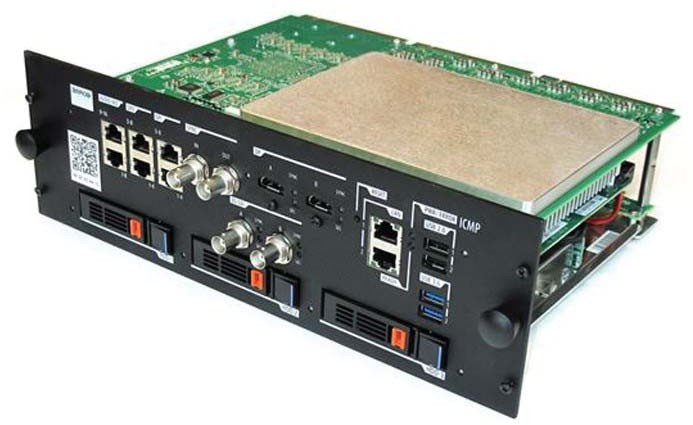
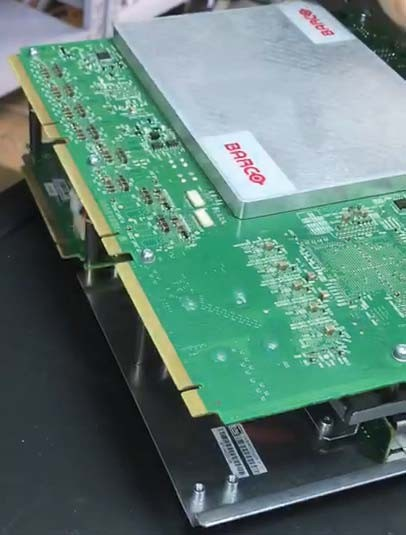
Image 1-1
CAUTION: Never place the ICMP on a conductive surface. This to avoid short circuits and a flat battery.
How to clean the ICMP contacts
- Depending on the alcohol container and the cleaning support you have chosen: Put a few drops of alcohol onto a cotton tip (Q-tip),
Or,
spray it on a soft and non-fluffy cloth.
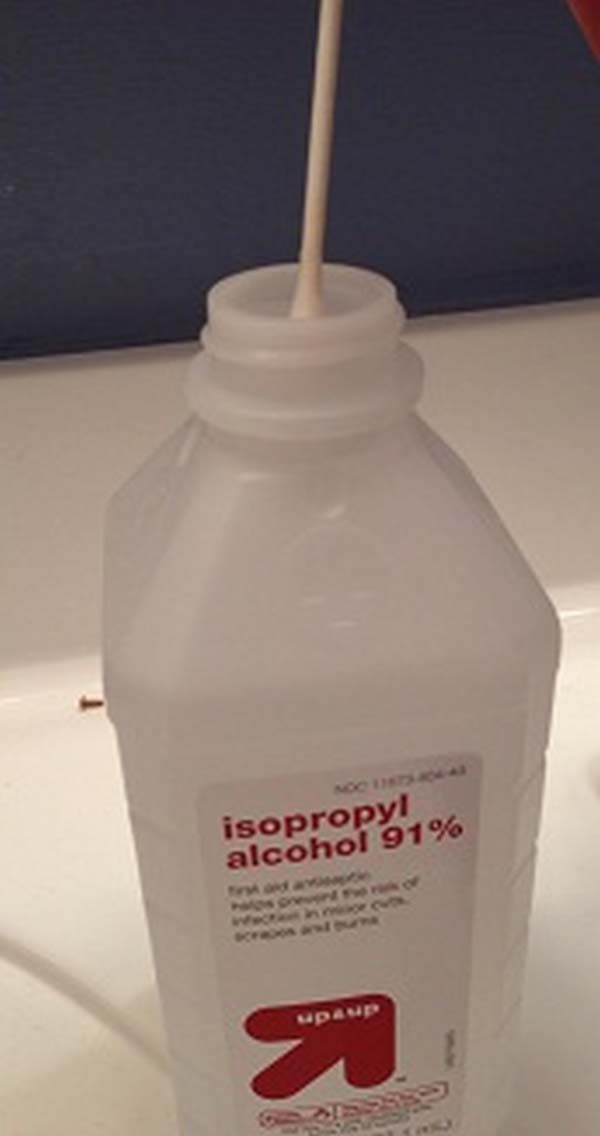
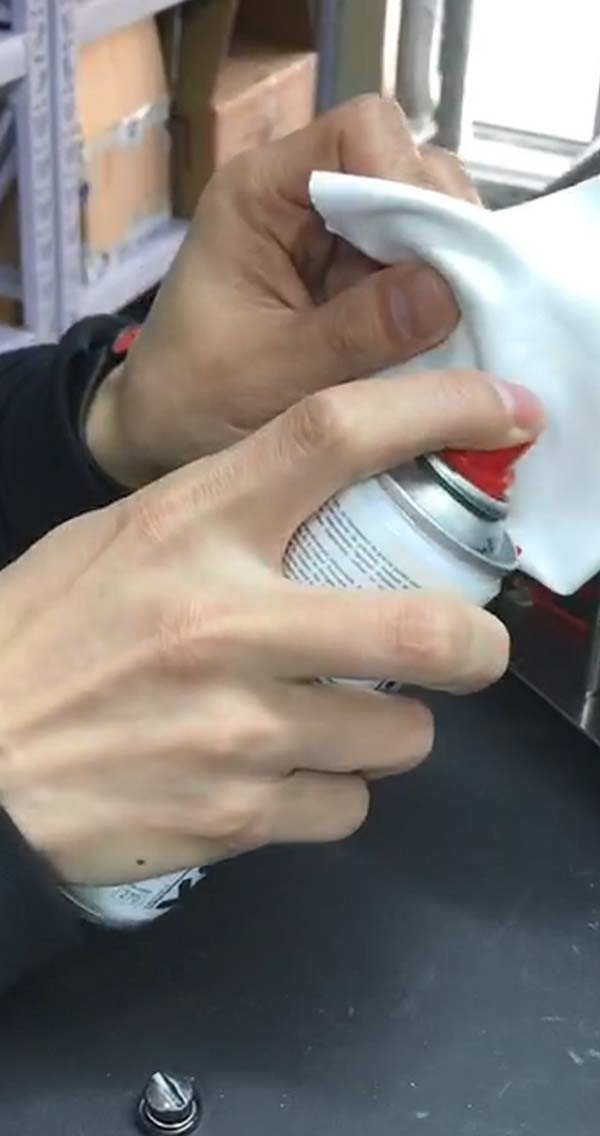
Image 1-2Image 1-3
- Start scrubbing the golden contacts according to the following rules:
* Make sure to stay on golden contacts. Avoid to put alcohol on the rest of the board (especially not the components).
* Avoid to transfer dirty and grease on the other contacts: if you use a Q-tip, do not hesitate to change when it is dirty, or if you use a light cloth, change of location on the cloth.
* After cleaning a contact with alcohol do not touch it with your fingers. The oils from your fingers can leave a residue that will dirty the contact again.
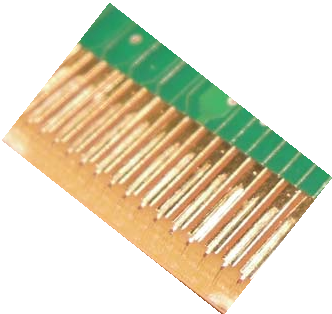
* !worddav5ea5eb0252a06f4a48b2fa04b041f1f8.png|height=268,width=189!Always try to follow the contact orientation with Q-Tip (or the light cloth) during the cleaning operation to avoid to transferring dirty and grease on the other contacts. This technique also has the advantage of not leaving fluff on the contacts.
Image 1-4
-
- Be sure to clean all connector surfaces. The top side is clearly accessible but it is important not to forget the front side and the bottom side.
 TFU
Image 1-5
- Top side F Front side
- Bottom side
Note:Pay particular attention to the area indicated below. This is the part of the con- nector where the most part of data is transferred. It is very important to correctly clean this area.
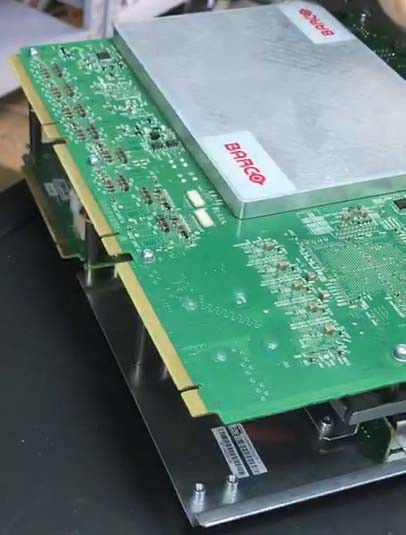
Image 1-6
- Leave on for a few minutes to dry before re-install the ICMP into the card cage of the projector.